

Put your to-do list on the calendar.
See reminders beside meetings. Drag a task into a free slot and choose how much time to give it.
See how it worksPlan your day, keep your notes and turn recordings into text. One native workspace on your Mac, without another account to manage.
iOS testing
We’re testing Jikoku on iOS. Want to try it and share your feedback? Email Gleb to take part.
Join iOS testing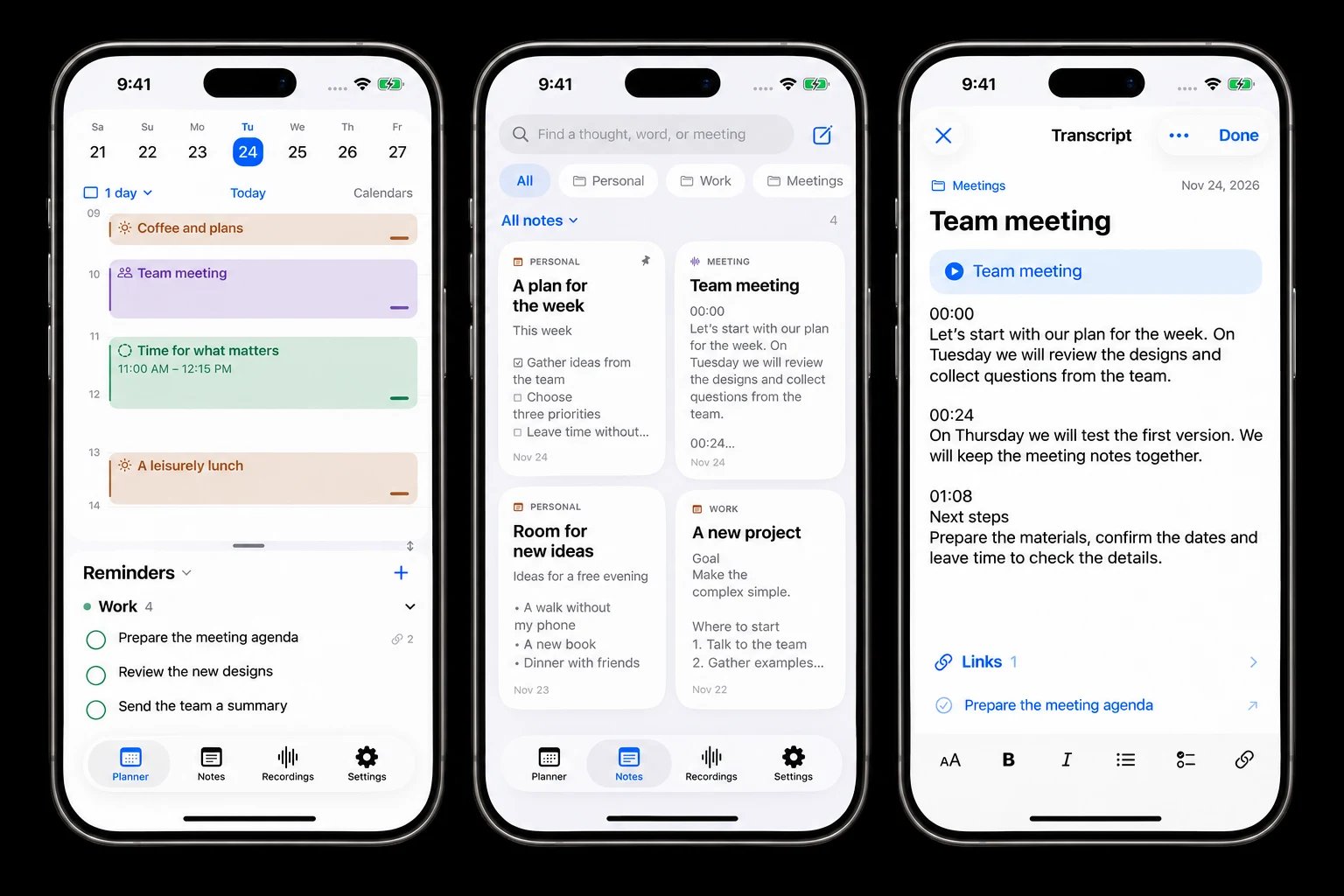
Your existing calendars and Apple Reminders, together. Give a task time on the schedule without rebuilding your lists.
See reminders beside meetings. Drag a task into a free slot and choose how much time to give it.
See how it worksWrite in Jikoku’s own notes, organize them in folders and search your text. Optional iCloud sync keeps compatible Jikoku apps up to date.
See how it worksTranscribe audio and review summaries on your Mac. Download the optional models when you need them; processing stays on the device.
See how it worksMove a reminder onto the timeline, set its duration and adjust the start. Remove its time slot when plans change; the task stays in your list.
Local processing, optional iCloud sync and diagnostics you control. Each has a different purpose.
PrivacyNo Jikoku account. iCloud synchronization uses your Apple Account; calendars and reminders use their configured accounts.
No. Jikoku has its own note storage and private iCloud synchronization. It does not use Apple Notes as its notebook.
Local notes and installed AI models. Changes can sync when you reconnect. Calendar availability also depends on the provider and locally cached data.
Free to use. No subscription, trial timer or feature paywall in the current version.
Download for macOSmacOS 14 or later